Here is a bit of good news about AI. It is helping researchers find security weaknesses in software we already use, so people can fix them.
Some of those weaknesses are older than this wave of AI tools. The holes were already there. Finding them gives us an opportunity to do something about them.
For a business leader, that is the story. You do not need to understand every line of code. You do need to know whether your business is getting the fixes.
AI is helping uncover existing problems
On 21 October 2026, PHP, software used to run websites and applications, released fixes for two serious security vulnerabilities. OpenAI says researchers at Calif used GPT-5.6 Sol to identify a critical flaw. Wiz independently reported both, and PHP's maintainers led the repairs. OpenAI's account.
The PHP Foundation explains that early signs of one of the problems had been found during work following a 2024 audit. The later research made the danger much clearer. The point here is AI helping expose and address an existing weakness, not evidence that the weakness suddenly appeared with this discovery. The Foundation's history.
I have put the technical explanation and other examples in Thanks, AI, for Making the Web Safer. You do not need to read that first to understand the business point here.
Expect a period of finding and fixing
My expectation is that the next year or two will bring a lot more of this: researchers finding weaknesses, maintainers producing updates, and businesses needing to install them. That is my view of where this is going, not a timetable established by the research.
More discoveries do not automatically mean the software has suddenly become worse. Sometimes we are getting a better look at problems that were already there.
That is encouraging. But the opportunity only becomes protection when the relevant fix is put into use. Attackers can benefit from these tools too, so this is not a reason to relax.
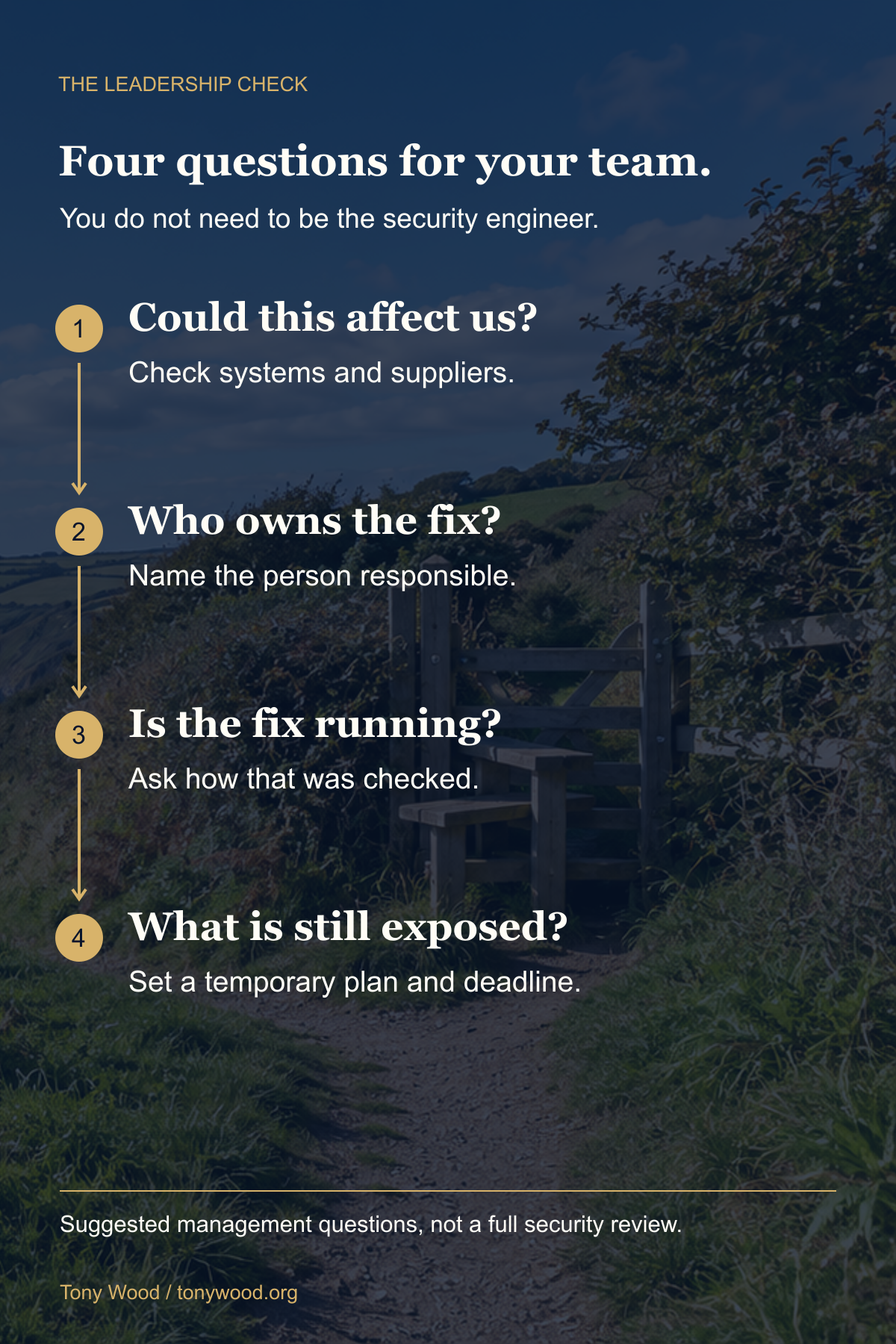
So, what should you ask your team?
I would start with four questions:
- Could this affect us? Include the website, business applications and services suppliers run for you. Software can be present behind the scenes without its name appearing on your screen.
- Who owns getting it fixed? Name the person or supplier responsible. An assumption that somebody else is handling it is not an answer.
- When was the fix applied, and how was that checked? Ask whether the updated software is actually running, not just downloaded or on a to-do list.
- What is still exposed? If the update cannot happen immediately, ask for the temporary protection, its limits and a date for the permanent fix.
Those are my suggested management questions. They build on the cyber agencies' advice to identify affected applications, work with providers and apply updates, prioritising internet-facing systems. ENISA's joint PHP guidance.
You do not need to become the security engineer. You need somebody accountable who can give you a clear answer.
A strong password is not enough if you use it everywhere
Now, think about it. You can choose a wonderfully complicated password and still have a problem if you use it on every website.
A well-run service should not keep a readable copy of your password. It should store a protected, one-way check of it, called a hash. Poor storage can expose the password itself; stolen hashes can also sometimes be cracked. NCSC guidance on password storage and attacks.
If attackers obtain your password from one site, they can try it on another. They do not have to guess it. That is why you should never reuse it. This is a general risk, not a claim that every PHP website has leaked passwords.
Use a different password for every account. Let a password manager create and remember them. Avoid your date of birth, family names or other personal details someone could discover. Turn on two-step verification where available. Where a service offers passkeys, the NCSC recommends using them. NCSC's practical password advice.
Change a password if you know or suspect it has been compromised, including anywhere you reused it. You do not need a ritual of constantly changing it into another predictable variation.
And please, stop postponing the updates
Updates are not just new features. They often repair security weaknesses. Keep browsers, computers, phones and business systems up to date, and enable automatic updates where available. NCSC's update guidance.
If your browser's own controls say an update or restart is needed, save your work and get it done. Use the official settings, not an update advertisement on a random website.
For servers and production systems, I want a prompt, tested rollout with backups and a recovery plan. Having a sensible process is important. Letting the process become an excuse for never patching is not.
AI helping us find old problems is good news. Our job as leaders is to make sure that good news turns into something useful: systems that are actually updated and people who know how to protect their accounts.
That is a much better conversation than simply asking whether AI is good or bad.
Sources and further reading
Primary sources are linked beside the claims. Checked on 22 October 2026. The PHP account establishes a concrete example, not a measurement of AI's overall effect on cybercrime. The one-to-two-year expectation and management questions are my opinion and recommendations.
For the vulnerabilities, earlier audit work, other documented AI discoveries and technical references, read the companion: Thanks, AI, for Making the Web Safer.