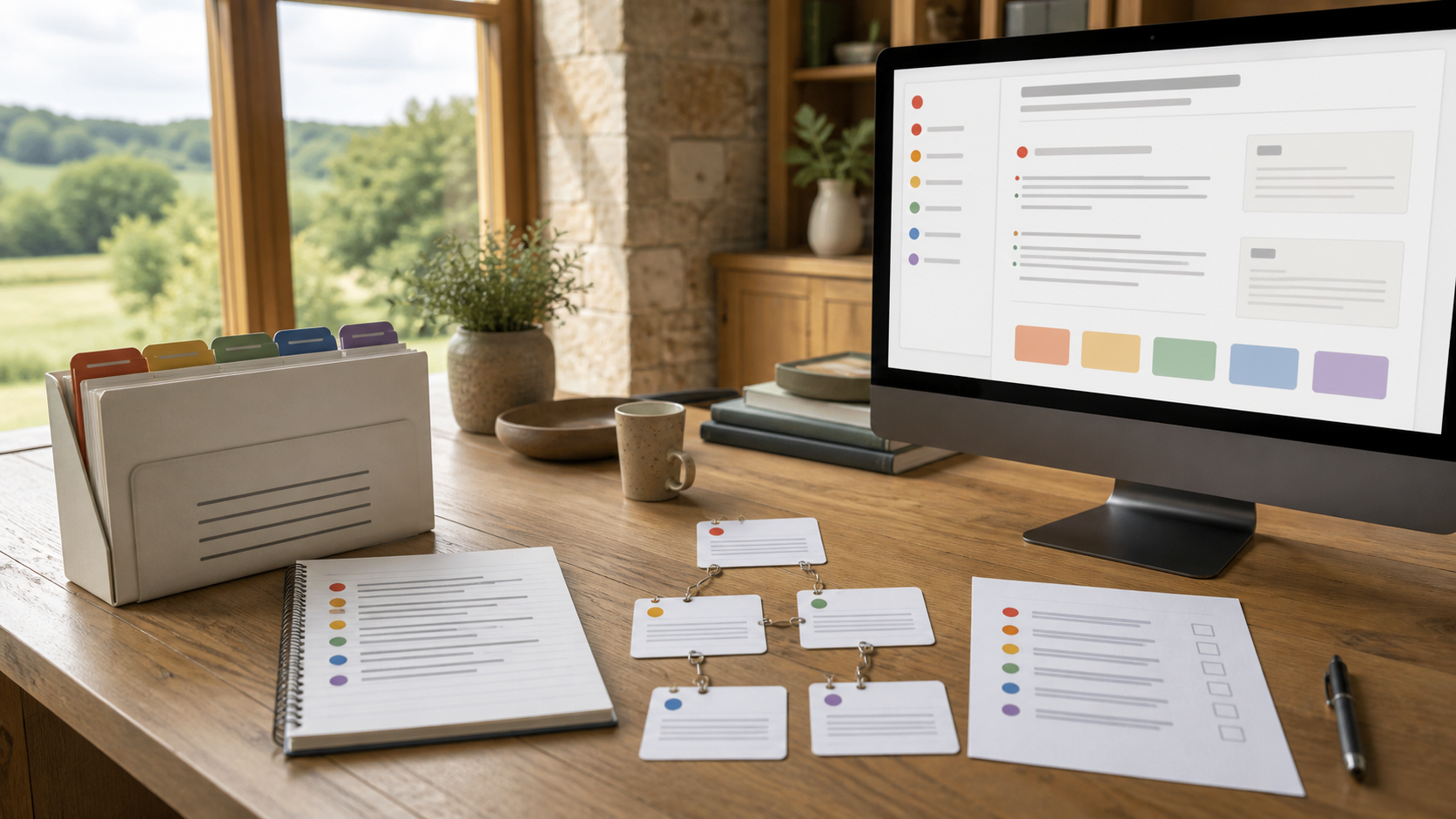
You do not need one perfect file format for all your information.
You need a small number of formats with clear jobs.
Keep the approved original where people already work. Let Codex or Claude create simple working copies and useful reading views. Make sure everyone can tell which version is in charge.
Who this is for
This guide is for managers, founders and organisational leaders whose information is spread across documents, notes, spreadsheets and shared drives.
You do not need to understand file standards or write code. You need to decide who owns the information, which version governs a decision and what people need to do with it.
Before you start
You need:
- one harmless document you are authorised to use;
- its approved location in Drive, SharePoint or another company store;
- a local practice folder;
- Codex or Claude;
- and about 45 minutes.
Do not convert your whole company archive for this exercise.
What you will learn
By the end, you should be able to:
- name the approved original;
- choose a useful working format;
- ask your agent to create a readable browser view;
- keep owner, date and status visible;
- use a diagram only when it clarifies a real relationship;
- rebuild the generated views without damaging the original.
The simple model
Approved Word Google or source file. Then Reviewed local working copy. Then Simple agent-readable page. Then Browser view for people. Then Optional diagram or structured record. Then Open the approved original
The approved original remains in charge. Everything else should lead back to it.
This guide keeps the diagram as Mermaid plain text. Why Mermaid works for people and agents explains the choice.
Step 1: Name the job
Ask what the information must help someone do.
| Need | Sensible starting point | What to protect |
|---|---|---|
| People write, comment and approve | Word or Google Docs | The approved original and its review history |
| An agent needs a clear working page | Markdown, a simple plain-text page | Owner, status, dates and source link |
| A system needs consistent fields | JSON, a structured record | Allowed values and validation |
| People need to browse and search | HTML, a browser page | Accessibility and a route back to the source |
| A process needs explaining | Mermaid or another diagram | The written explanation and evidence |
You do not need to choose the technical format yourself. Explain the job to Codex or Claude and ask it to recommend the smallest useful set.
Step 2: Keep the approved original where it belongs
If people approve work in SharePoint, Drive, Word or Google Docs, leave that approved process in place.
Ask your agent to work from a reviewed copy. Record:
- the original location;
- the owner;
- the source date;
- the date the copy was made;
- the approval status;
- and who may read it.
The working copy is useful. It does not quietly become the company record.
Step 3: Ask for a simple working page
Paste this:
The agent may suggest Markdown. That is simply a plain-text format with headings, lists and links. You can read it without specialist software.
Step 4: Add a structured record only when needed
Sometimes a system needs to recognise the same fields every time: owner, date, status, review date and source link.
The agent may suggest JSON. JSON is a strict format for small records that software can check. It is useful for consistency and unpleasant for long prose.
You do not need to write it. Ask:
Step 5: Ask for a browser view
HTML is the format browsers display. Ask the agent to generate it from the working page rather than maintaining a second version by hand.
Say:
If the working page changes, rebuild the browser view.
Step 6: Add a diagram only when it earns its place
A diagram should clarify a flow, decision, sequence or relationship.
Ask:
If it would help, require a written explanation beside it. The diagram is a view, not evidence. Important steps still need links to sources.
Why Mermaid works for people and agents
Mermaid stores a diagram as short plain text. A person can read and edit the steps, an agent can safely propose a change, and the same source can be rendered as a visual diagram.
That makes the diagram versionable, reviewable, portable and easier to maintain than an opaque image. You can see exactly what changed and rebuild the visual without redrawing it by hand.
Mermaid does not replace every visual. A photograph, detailed illustration or data-rich chart may need another format. Use Mermaid when the important thing is the flow, sequence, decision or relationship, and keep a written explanation for people who cannot use the visual.
Step 7: Make the important facts survive every format
Every important page or record should keep:
- title;
- owner;
- original location;
- source date;
- copy date;
- review date;
- status;
- audience;
- and related sources.
Use a small set of status words: draft, reviewed, superseded, disputed and unknown.
A page can sound polished and still be a draft. Make the status visible.
What the agent handles for you (optional)
Codex or Claude can:
- create Markdown, JSON and HTML;
- check that structured records are valid;
- create safe diagrams;
- compare a new page with the approved source;
- rebuild browser views;
- test links and headings;
- and explain any error in ordinary language.
Your job is to decide what the information means, who owns it and whether the result is ready to use.
Hands-on exercise: one document, three useful views
- Choose one harmless approved document.
- Keep it in its current governed location.
- Ask the agent to make a local working page without changing the original.
- Review the owner, dates, status, evidence and unknowns.
- Ask for a browser view.
- Ask whether a structured receipt or diagram is genuinely needed.
- Open the browser view and follow its link back to the original.
- Change one sentence in the working copy and ask the agent to rebuild.
The exercise is complete when the browser view updates and the original remains unchanged.
Verification checklist
- [ ] You can name the approved original.
- [ ] The working copy records its owner, dates and status.
- [ ] The original was not changed.
- [ ] The browser view links back to the original.
- [ ] A person can understand the page without knowing file formats.
- [ ] Any structured record contains only the fields a system needs.
- [ ] Any diagram adds information rather than decoration.
- [ ] The generated view can be deleted and rebuilt.
- [ ] The agent reported what it checked.
Common mistakes and safe recovery
| Mistake | Why it matters | Safe recovery |
|---|---|---|
| Converting everything at once | Meaning, privacy and authority become hard to inspect | Stop and restart with one document and one use |
| Losing sight of the original | A working copy becomes accidental policy | Restore the source link, owner and status on every view |
| Editing the browser view by hand | The source and display drift apart | Keep one working source and rebuild the display |
| Adding technical formats because they sound serious | Complexity grows without business value | Ask what decision or task the format supports; remove it if none |
| Treating a diagram as proof | A neat flow can hide a weak claim | Keep the written explanation and source links beside it |
If conversion goes wrong, preserve the approved original. Delete only the generated practice view, then ask the agent to rebuild it.
Ready-to-copy prompt
Do this now
- Choose one harmless document.
- Paste the ready-to-copy prompt into Codex or Claude.
- Review the owner, status, dates and source link.
- Open the browser view.
- Confirm the original is unchanged.
Your next step
Use the same pattern for five approved documents, then build a small wiki: